

CI Flexo Printing Machine
A CI (Central Impression) flexo printing machine uses one large impression drum to hold the material steady while all colors print around it. This design keeps tension stable and delivers excellent registration accuracy, especially for stretch-sensitive films.
It runs fast, wastes less material, and produces high-quality print results—perfect for premium packaging and high-precision applications.


Stack Type Flexo Printing Machine
A stack flexo press has each color unit arranged vertically, and every station can be adjusted on its own. This makes it easy to handle different materials and job changes. It works well for a wide range of substrates and is especially useful for two-sided printing.
If you need a flexible, cost-efficient machine for daily packaging jobs, a stack flexo press is a practical and reliable choice.


Whether it is a CI flexo printing machine or a stack type flexo printing machine, color registration inaccuracy may occur, which can affect the color performance and printing quality of the final product.The following five steps provide a systematic procedure for troubleshooting and resolving this issue.
1. Inspect Mechanical Stability
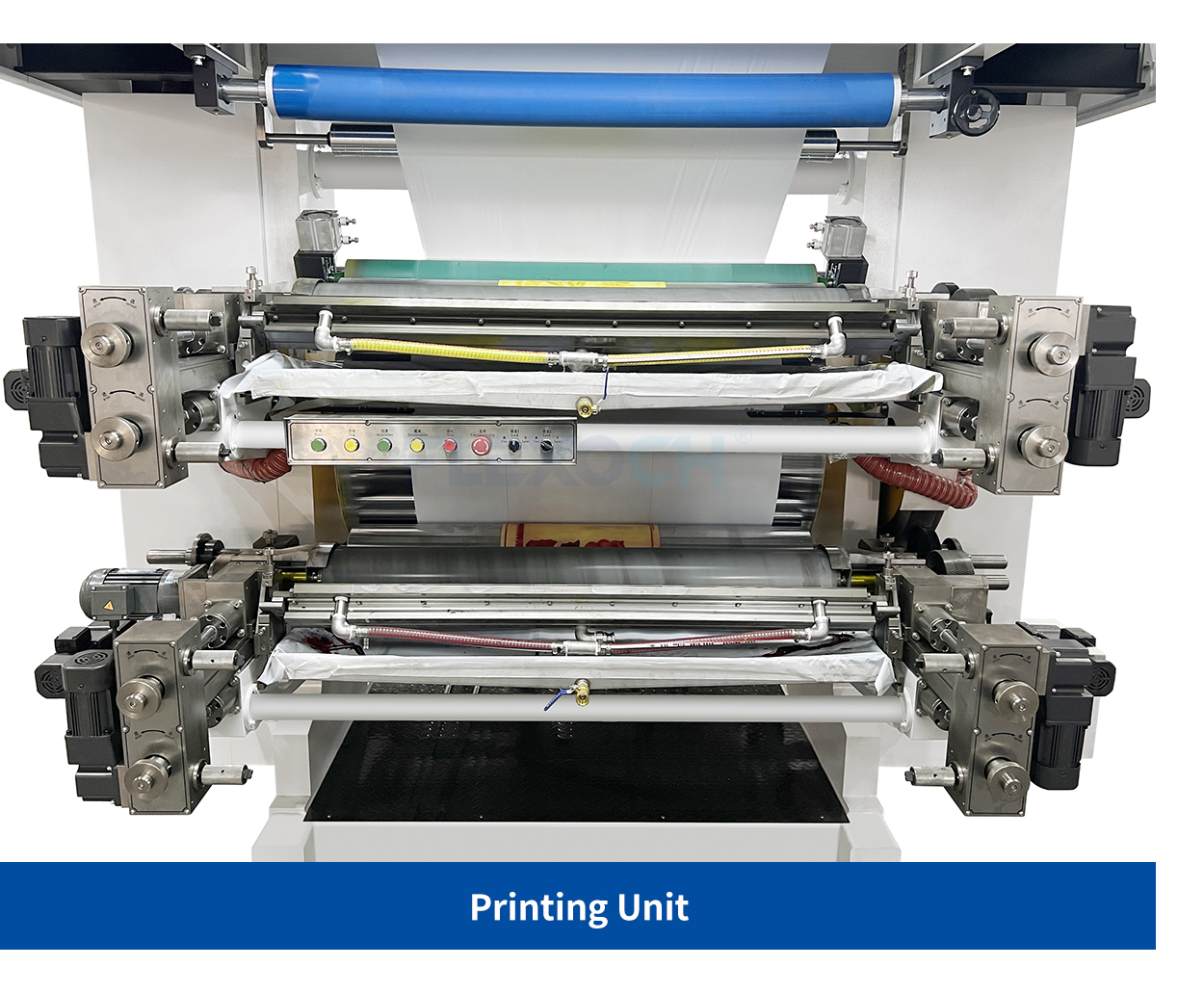
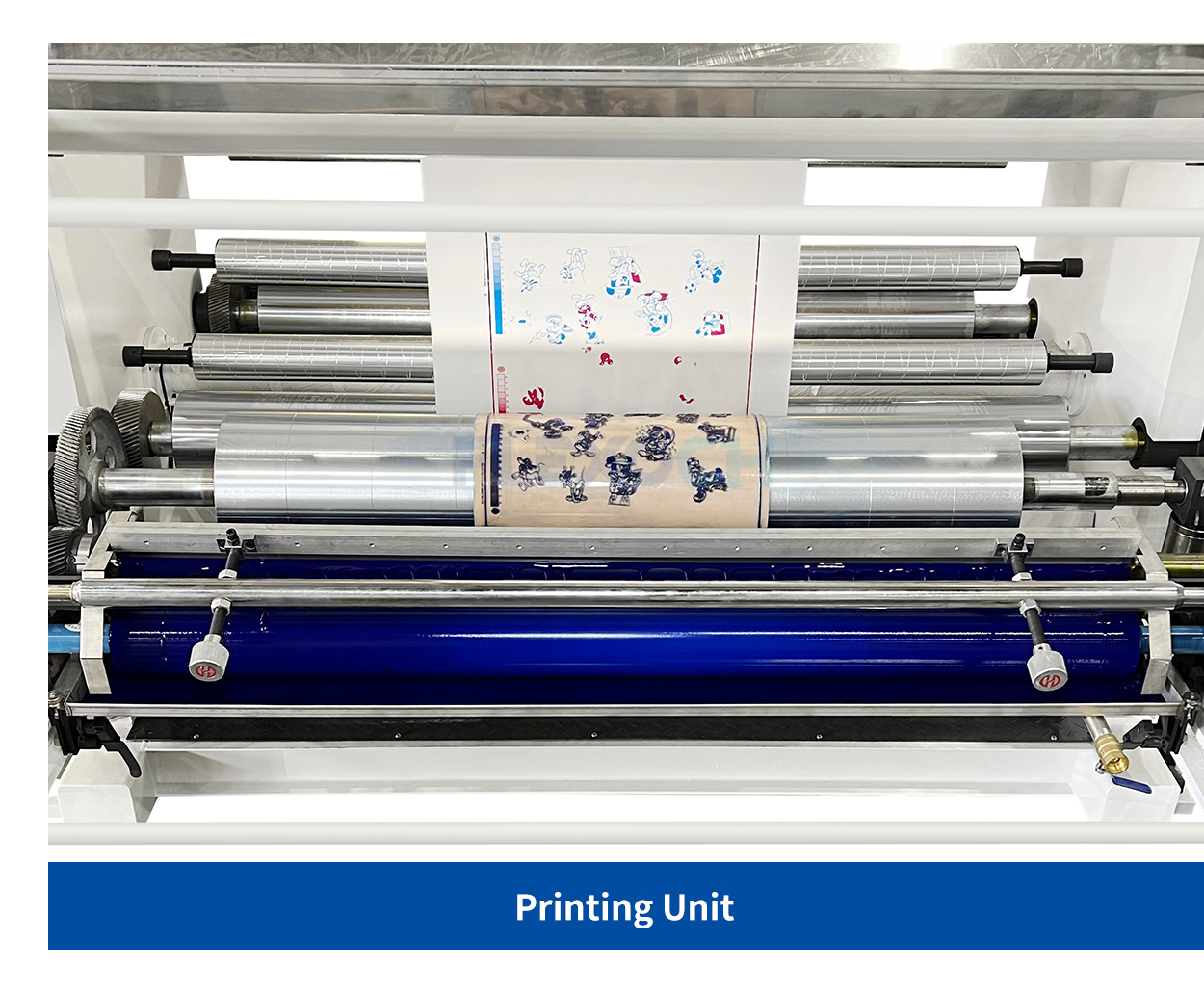
Misregistration often comes down to mechanical wear or looseness. For stack flexo printing machines, it’s worth regularly inspecting gears, bearings, and drive belts that link each print unit, making sure there’s no play or offset that could affect alignment.
Central impression printing presses typically achieve more stable registration since all colors print against a single impression drum. Even so, accuracy still depends on correct plate cylinder mounting and maintaining steady web tension—if either drifts, registration stability will suffer.
Recommendation: Whenever plates are replaced or the machine has been idle for a while, turn each printing unit by hand to feel for any unusual resistance. After completing the adjustments, start the press at a low speed and check the registration marks. This helps confirm whether the alignment stays consistent before moving up to full production speed.
2. Optimize Substrate Compatibility
Substrates such as film, paper, and nonwovens react differently to tension, and these variations can result in registration shifts during printing. CI flexographic printing presses generally maintain more stable tension and are therefore well-suited for film applications that require tight accuracy.Stack flexo printing machines, by contrast, often need more precise fine-tuning of tension settings to keep alignment consistent.
Recommendation: When you notice the material stretching or shrinking noticeably, reduce the web tension. Lower tension can help limit dimensional change and reduce registration variation.
3. Calibrate Plate and Anilox Roll Compatibility
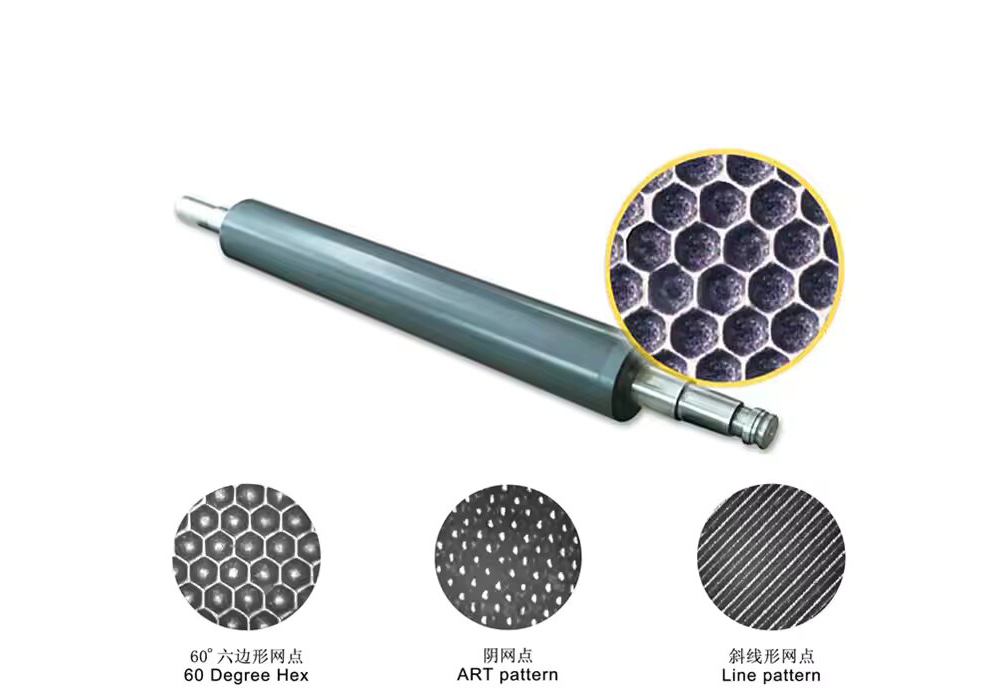
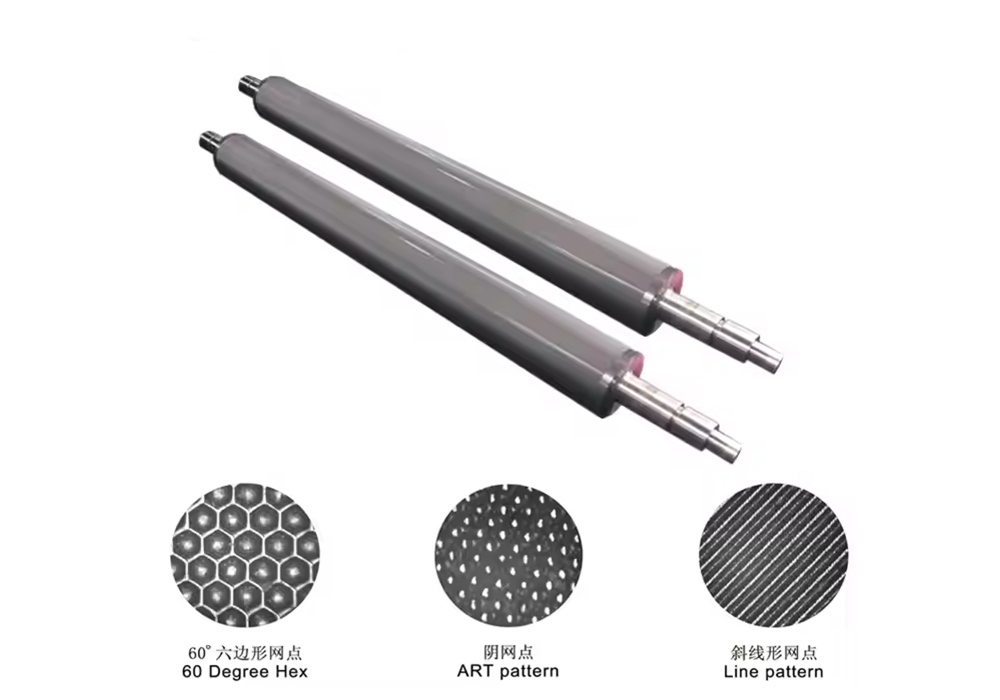
Plate characteristics—such as thickness, hardness, and engraving accuracy—have a direct influence on registration performance. Using high-resolution plates can help control dot gain and improve stability. The anilox roll line count also needs to be matched carefully to the plate: a line count that is too high may reduce ink volume, while a count that is too low can cause excess ink and smearing, both of which can indirectly affect registration alignment.
Recommendation: It is more appropriate to control the line count of the anilox roller at 100 - 1000 LPI. Check that plate hardness remains consistent across all units to avoid amplification of these variations.
4. Adjust Printing Pressure and the Inking System
When impression pressure is set too high, the printing plates may deform, and this issue is especially common on a stack type flexo printing machine, where each station applies pressure independently. Set the pressure for each unit separately and use only the minimum needed for a clean image transfer. Stable ink behavior also plays an important role in registration control. Check the doctor blade angle and maintain proper ink viscosity to avoid uneven ink distribution, which can cause localized registration shifts.
Recommendation: On both stack type and CI flexographic printing machine, the short ink path and rapid ink transfer increase sensitivity to drying characteristics. Keep an eye on drying speed during production, and introduce a retarder if the ink begins to dry too quickly.
● Video Introduction
5. Apply Automatic Registration and Compensation Tools
A number of modern flexographic printing presses include automatic registration features that adjust alignment in real time while production is running.If alignment problems still persist after manual adjustments, take time to review previous job records. Looking back at historical production data can uncover repeating patterns or timing-related deviations that point to the root cause, helping you make more focused and effective setup changes.
Recommendation: For presses that have been running for a long time, it’s worth doing a full linear alignment check on all print units from time to time. This step is particularly important on stack type flexo presses, since each station operates independently and consistent registration relies on keeping them aligned as a coordinated system.
Conclusion
Whether it is a central impression flexographic printing machine or a stack type flexo printing machine, the color registration issue is usually caused by the interaction of mechanical, material and process variables, rather than a single factor. Through systematic troubleshooting and meticulous calibration, we believe you can quickly help the flexographic printing press resume production and improve the long-term stability of the equipment.


Post time: Aug-08-2025